> ## Documentation Index
> Fetch the complete documentation index at: https://trybloom.co.uk/docs/llms.txt
> Use this file to discover all available pages before exploring further.
# Dashboard
> Your quick-glance view of what's happening in your practice.
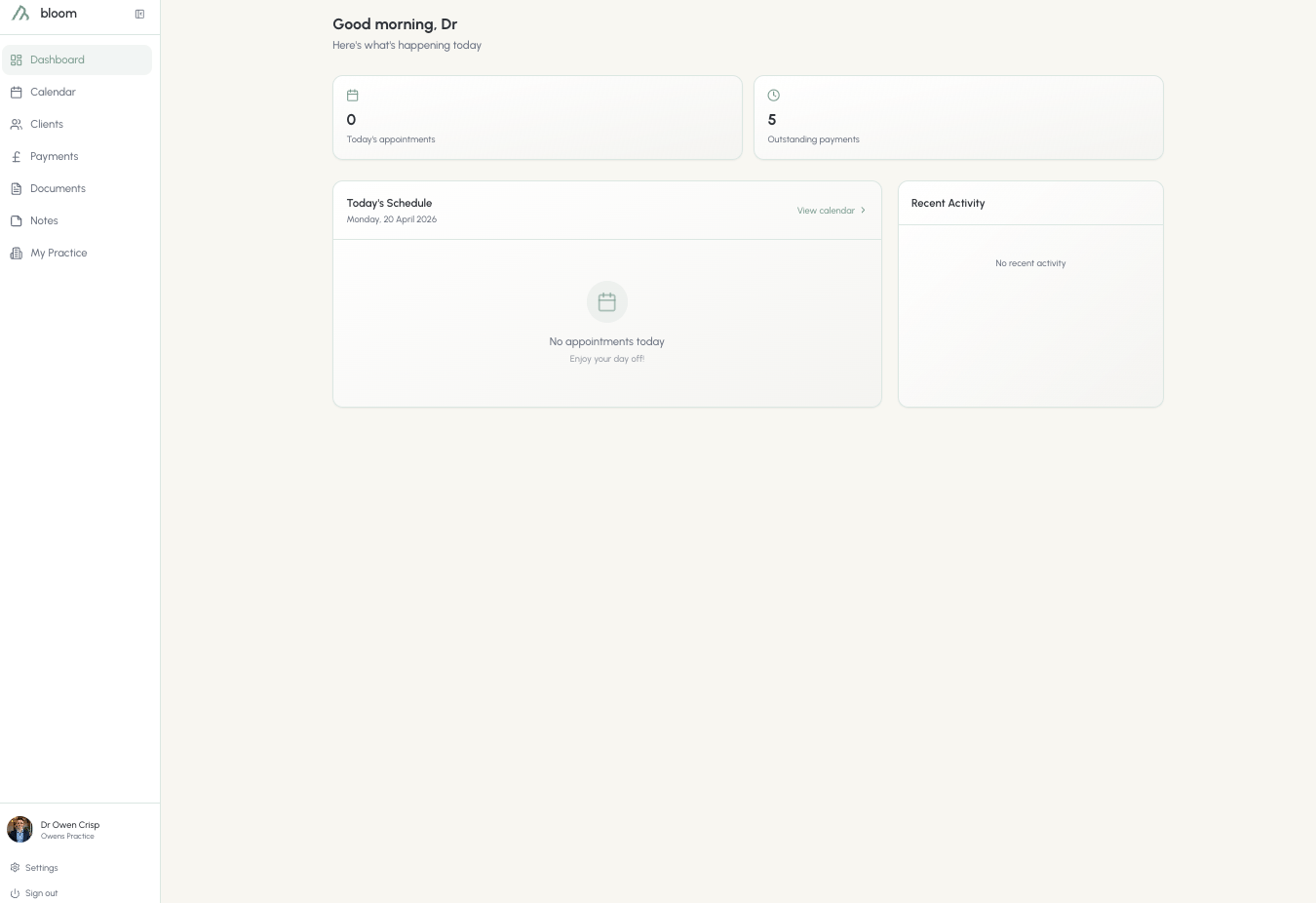
The Bloom dashboard is your quick-glance view of what's happening in your practice. Here, you're given a bird's-eye view of:
* How many appointments you have today
* How many outstanding payments there are from clients, useful if you're waiting on your session money. Sessions where you've waived the fee don't count here
* A schedule of today's appointments by client and session type, with a quick link to the calendar if you want the hour-by-hour breakdown
* Recent client activity - payments, documents signed, onboarding completed; it's all here
* Anything that needs your attention - unsigned agreements, long-overdue payments, and failed card charges with a one-click retry
The dashboard is your own practice assistant.