Feature spotlight

Zoom sessions that connect directly to your Bloom calendar

Use Zoom for online therapy without turning every appointment into a hunt for links, reminders, and meeting details.

Keep Zoom links out of the admin black hole

Online sessions are simpler when the meeting details live with the appointment they belong to.

Before
  • 1Copying Zoom links into calendar events, emails, and reminder messages by hand
  • 2Digging through old emails when a client asks for the session link again
  • 3Running your therapy admin in Bloom but your video admin somewhere else

You keep using Zoom. Bloom keeps the workflow tidy.

See Zoom workflows in practice

A clearer way to manage online session links, reminders, and appointment context.
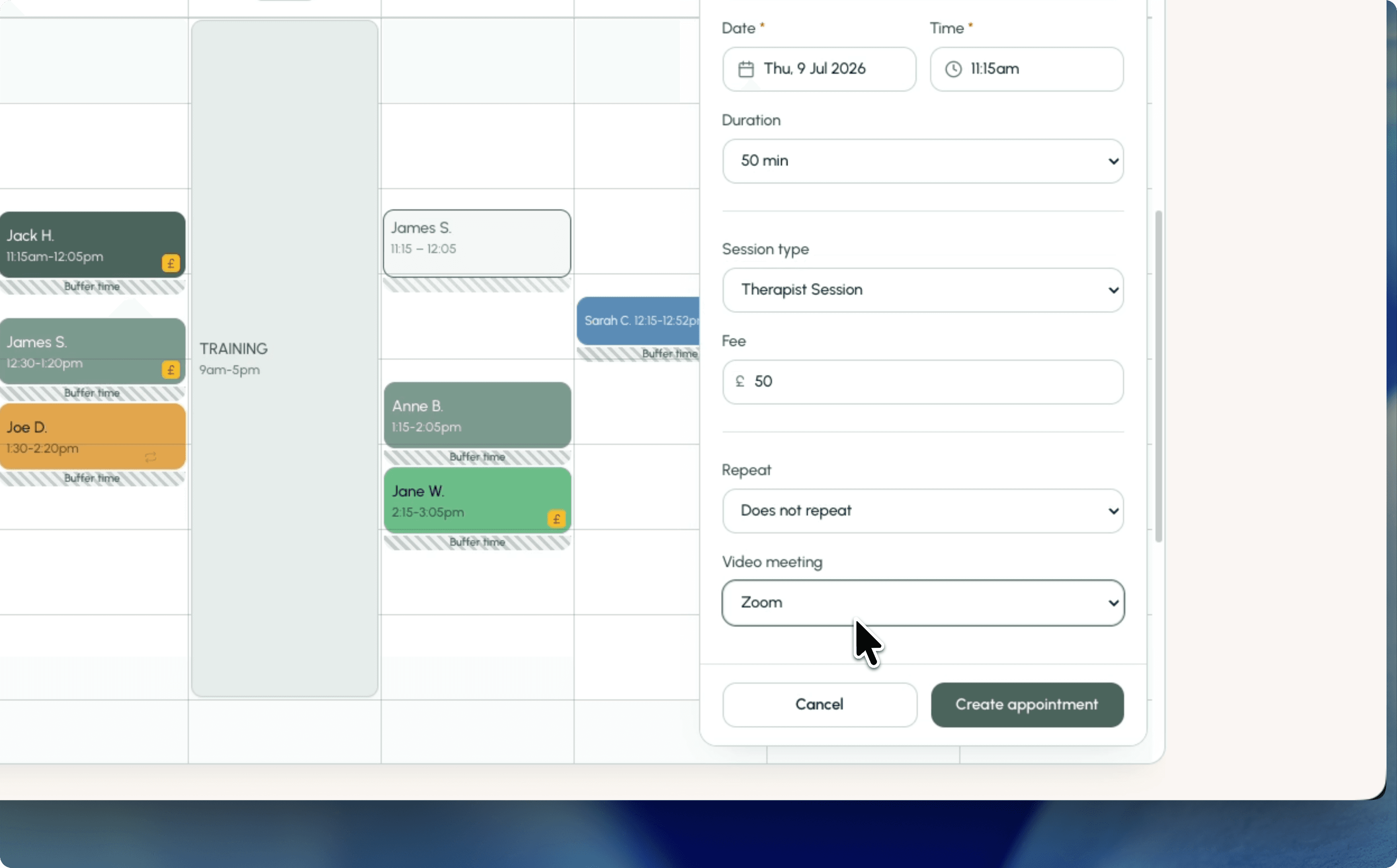
Appointment form in Bloom with Zoom selected as the video meeting option

Book Zoom calls in two clicks from your calendar

The Bloom calendar integrates directly with Zoom, making scheduling your client sessions seamless.

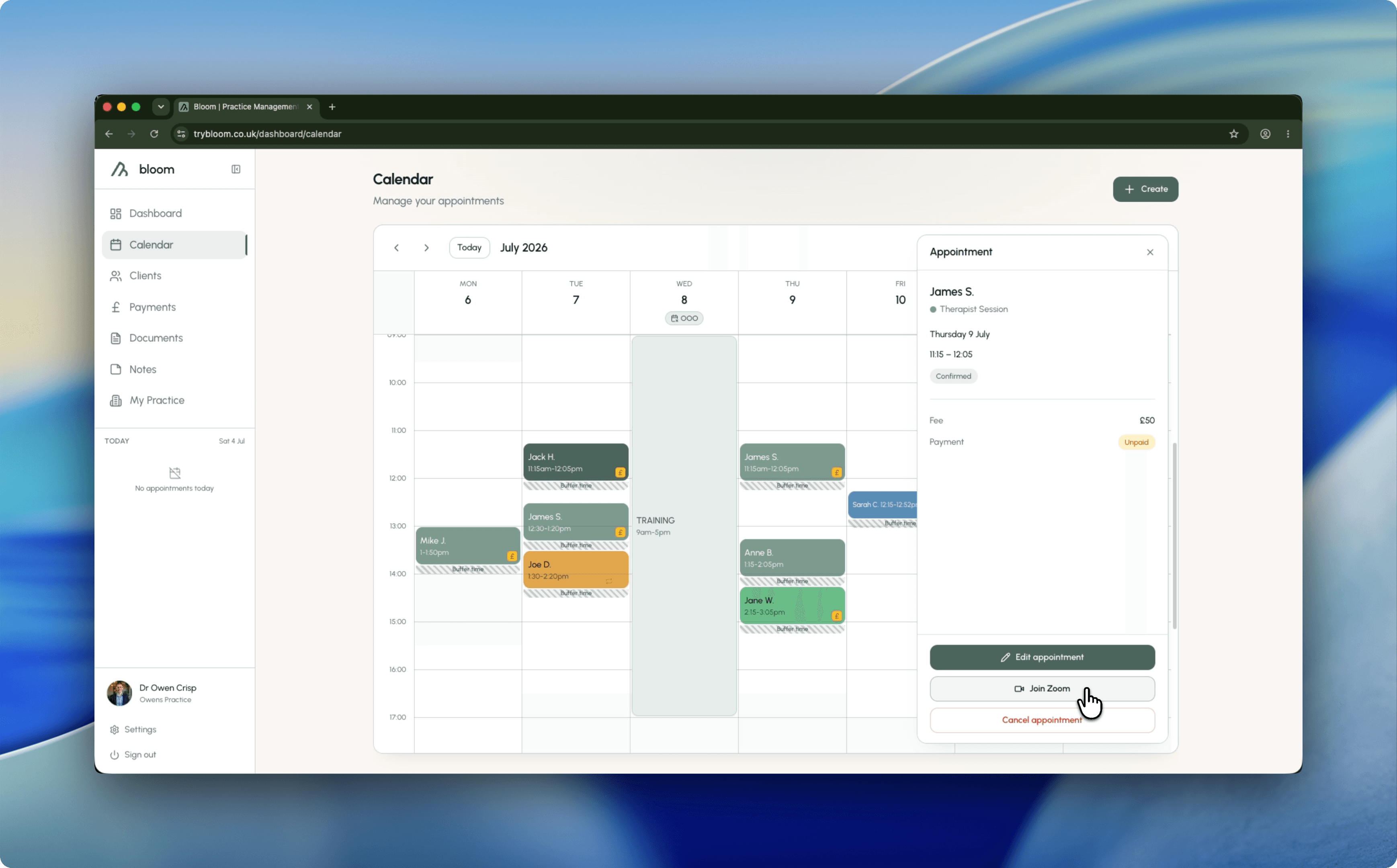
Bloom calendar appointment panel with a Join Zoom button visible in the session details

Zoom meetings at the touch of a button

Zoom links are always accessible from the calendar, tied to the appointment record and emailed directly to clients. Reminders are automatic, keeping your practice running smoothly.

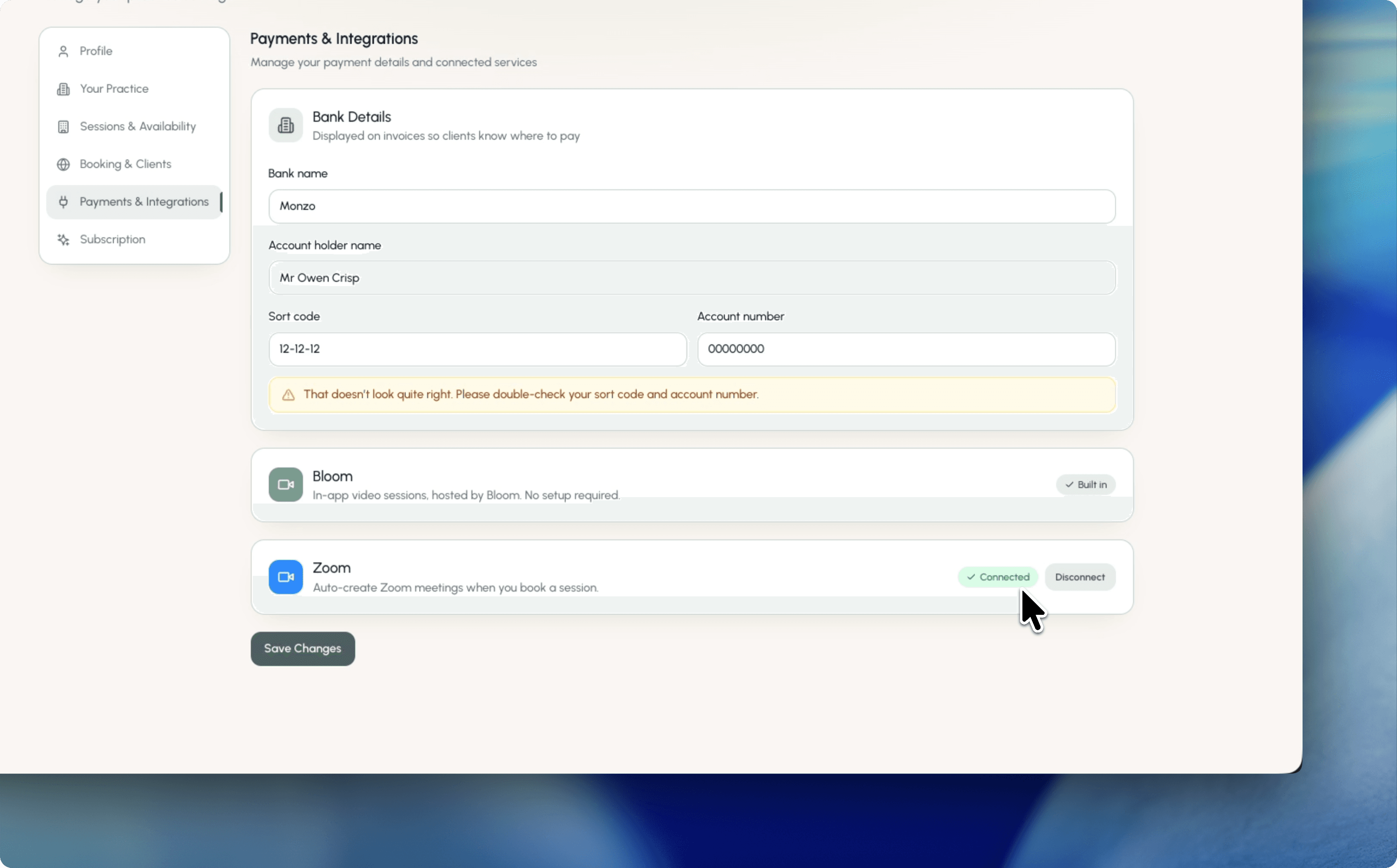
Bloom payments and integrations settings showing a connected Zoom integration

Brings practice management closer together

Bloom uses the official Zoom integration, ensuring an efficient and secure experience for your online therapy needs.

What this helps with day to day

Practical improvements you feel in your day-to-day workflow, not just a longer feature list.

Use Zoom for online appointments

Already a paid Zoom user? Connect Bloom directly to your calendar and manage sessions from the same workflow.

Connect meetings to sessions

Keep meeting access alongside the appointment details so your day stays organised in just a few clicks.

Make links easier for clients

Reduce the last-minute messages asking where the session link is. Bloom handles the appointment reminders and link sending automatically.

Keep details in one place

Make online session information easier to find before, during, and after the appointment.

Why therapists switch to Bloom

  • Useful if you already use Zoom and want fewer disconnected admin steps.
  • Keeps online session details close to the client and appointment record.
  • Helps make remote therapy feel more organised for both therapist and client.

Still weighing it up?

Try Bloom for 30 days. If it’s not for you, we’ll refund every penny - no forms, no questions, no awkward exit interview.

30-day money-back guaranteeLive in under an hourUK-based support, real humans
Get started
Or email hello@trybloom.co.uk if you’d like a hand with the move.